
How to Use Kilojoules Instead of Calories
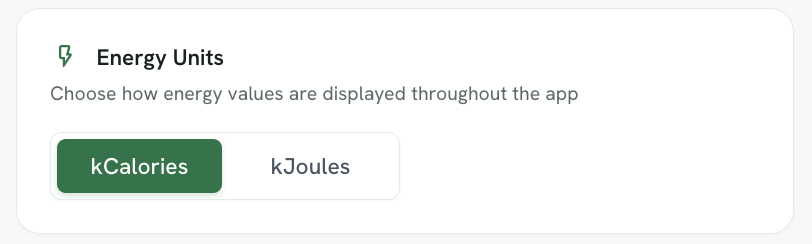
Foodzilla lets you customise how energy values are displayed throughout the platform, including switching from kilocalories (kcal) to kilojoules (kJ).
You can also update other account preferences such as your daily intake guideline source, default food database, and preferred start of the week.
Steps to Update Your Preferences
- Go to Your Profile Page:
- Click on your profile and navigate to the Preferences section.
- Select Your Preferred Units:
-
Choose kilojoules instead of calories and any other preferred units (e.g., imperial units).
-
- Update Your Profile:
- Click on Update Profile to save your changes.
That's it! Now all the pages will reflect your preferences 🎉
Other Preferences You Can Update
From the same Preferences page, you can also customise:
• Daily Intake Guidelines: Choose which country’s nutrition guidelines to use.
• Food Database: Select your preferred database when searching for foods and ingredients.
• Week Start: Choose whether your meal planning week starts on Monday or Sunday.
These settings help tailor Foodzilla to your preferred nutrition standards and workflow.
If you have any questions or need assistance, please contact us through the green chat bubble. ❤️