
How to Resend a Client Invitation Email
In rare cases, our invitation email may not reach your client's inbox. To ensure the invite is received, we also send a copy of the invitation email to you (as their coach).
Resend the Invitation via Foodzilla
- Go to the Client Page:
- Navigate to the client page in your Foodzilla account.
- Select the Client:
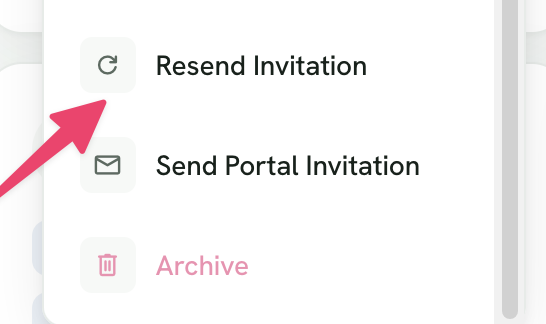
- Click on the ... button on the client card of the client you want to resend the invitation to.
- Resend Invitation:
-
Click on Resend Invitation.
-
By following these steps, you can easily resend the client invitation email to ensure they receive it. 😁

If you have any questions or need further assistance, feel free to contact us through the green chat bubble. 😉