
Can I Add Foods and Ingredients to a Meal Plan?
Yes, you can add foods to a meal plan without creating or using recipes.
How to Add Foods to a Meal Plan
- Open or Create a Meal Plan:
- Open an existing meal plan or create a new one.
- Add Food:
-
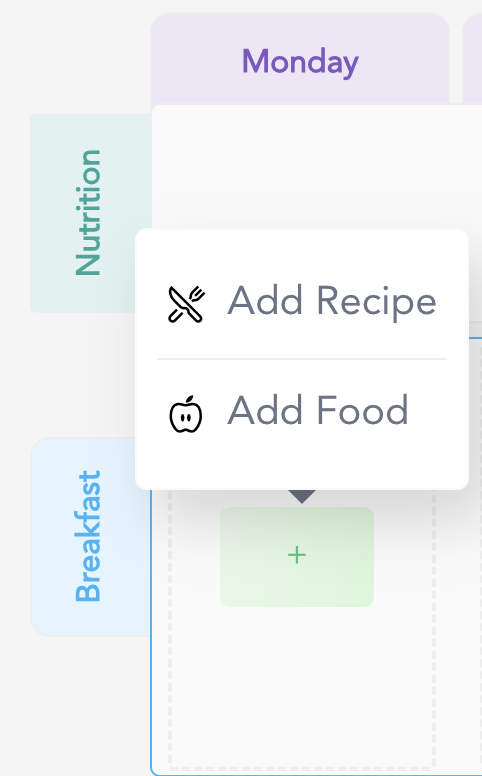
Click on the Plus (+) button and choose Add Food.
-
- Search and Select:
- Search for the food or ingredient you want to add and select it.
-
You can add up to 10 foods in a single meal type.
This feature allows you to easily create food plans where you select the foods your clients should eat, giving them the freedom to prepare their own meals. 💕
For any further assistance or questions, feel free to contact us through the green chat bubble. 😉